
GET TO KNOW YOUR ATLAS
A place for the details.
A view of the whole picture.
From property and investments to family records and private notes, explore what you can organise with MAA.
Get MAA for ₹999Features
Everything your family owns and owes
Every asset in one register
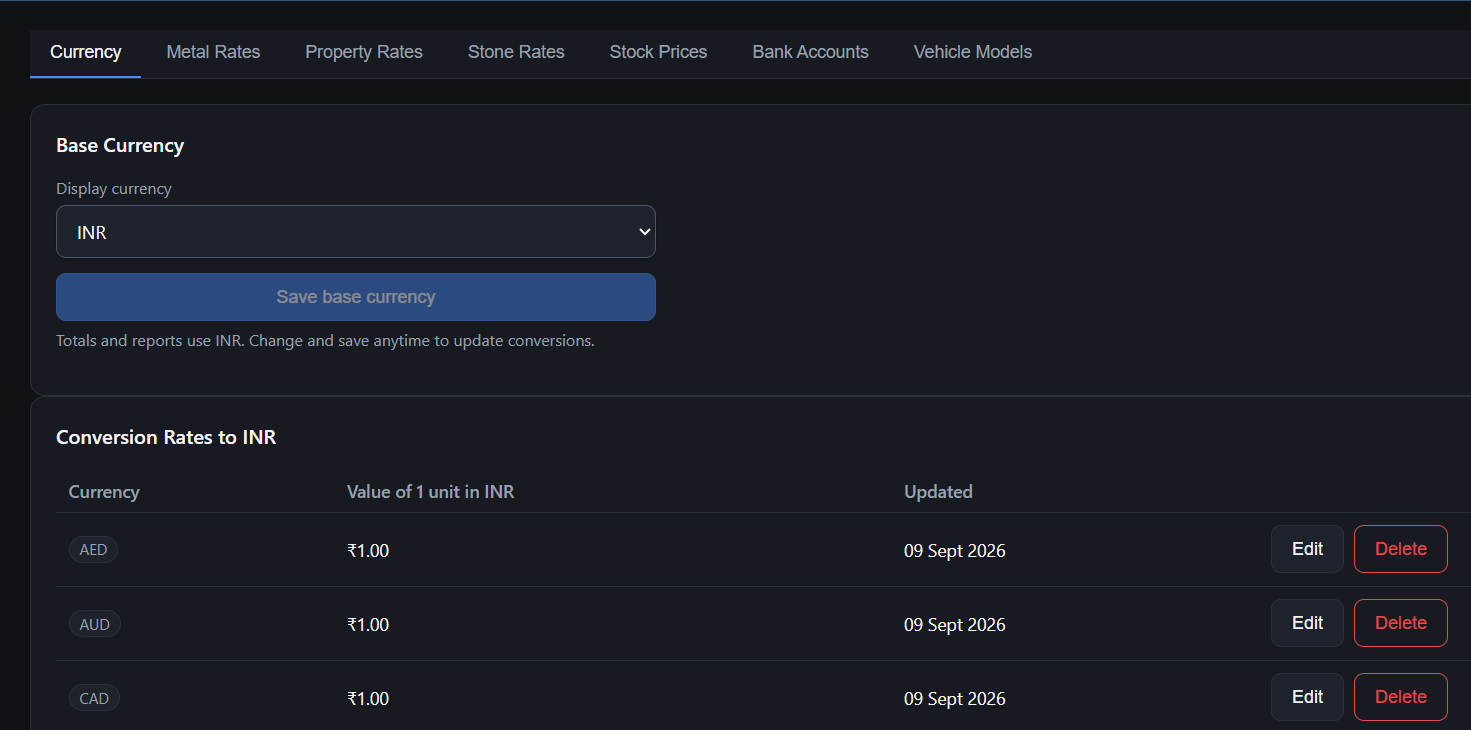
Properties, gold & precious stones, shares, mutual funds/SIP, fixed deposits, cash, vehicles — with gain/loss.
Insurance & loans
Policies with premium due dates, and loans with EMIs and balances — subtracted to show your true net worth.
Built for the whole family
Record who owns each entry — self, joint or a family member — plus PAN, Aadhaar and passport details.
Dashboard & reports
Totals and allocation at a glance. Download any module or family member as PDF or Excel.
Bank login vault
Keep net-banking details for each family member next to the accounts they belong to.
Private notes
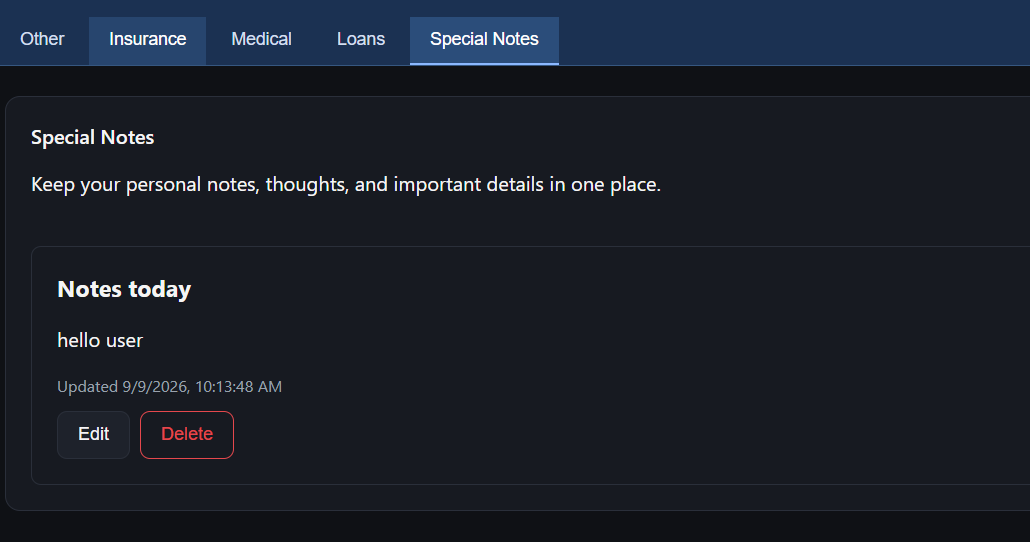
A safe place for sensitive information you would never put in a spreadsheet.
Available in English, हिन्दी, ગુજરાતી, मराठी, தமிழ், മലയാളം and العربية.
Product demo
See MAA in under two minutes
What you'll see
- 01Your dashboard — total assets, loans and net worth
- 02Add assets — property, gold, shares, mutual funds, FDs
- 03Add insurance policies and loans
- 04Family information — who owns what
- 05Reports — PDF and Excel in one click
- 06Secure and offline — password-locked, on your PC only
One-time ₹999. No subscription.
Get MAA for ₹999
Security & privacy
Your financial data stays on your computer.
MAA never uploads anything. No server holds your family's financial details — not even ours.
- Works offline
- No cloud database
- Encrypted on your computer
- No subscription required
How do I back up?
All your data is in one encrypted folder on your PC. Copy it to a USB drive or external disk — the copy stays locked with your password.
Forgot your password?
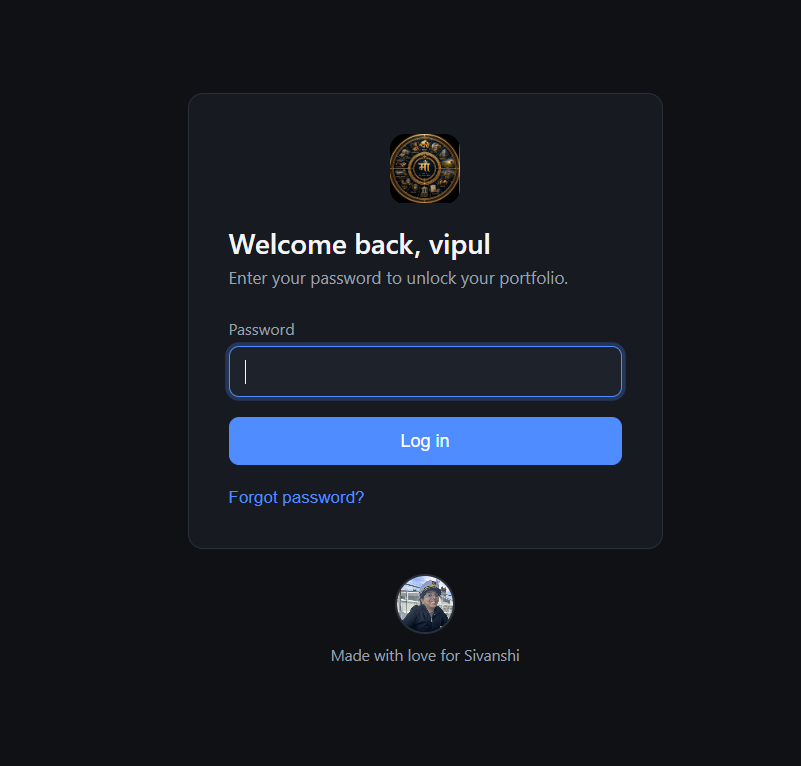
Click “Forgot password?” in MAA and answer your security question to set a new one. Your data is kept.
New or broken computer?
Send us your MAA ID and we’ll move your license to the new PC. Copy your backup across and carry on.
A LITTLE HELP ALONG THE WAY
Your first entry starts here.
Follow the guide for installation, activation, family setup and your first asset.
Open the user guide